
Turn Your Book Idea into Reality with Pressbooks Self-Publisher
Authors and creators use Pressbooks’ user-friendly publishing platform to convey knowledge, tell stories, and develop engaging digital content for learning and sharing.
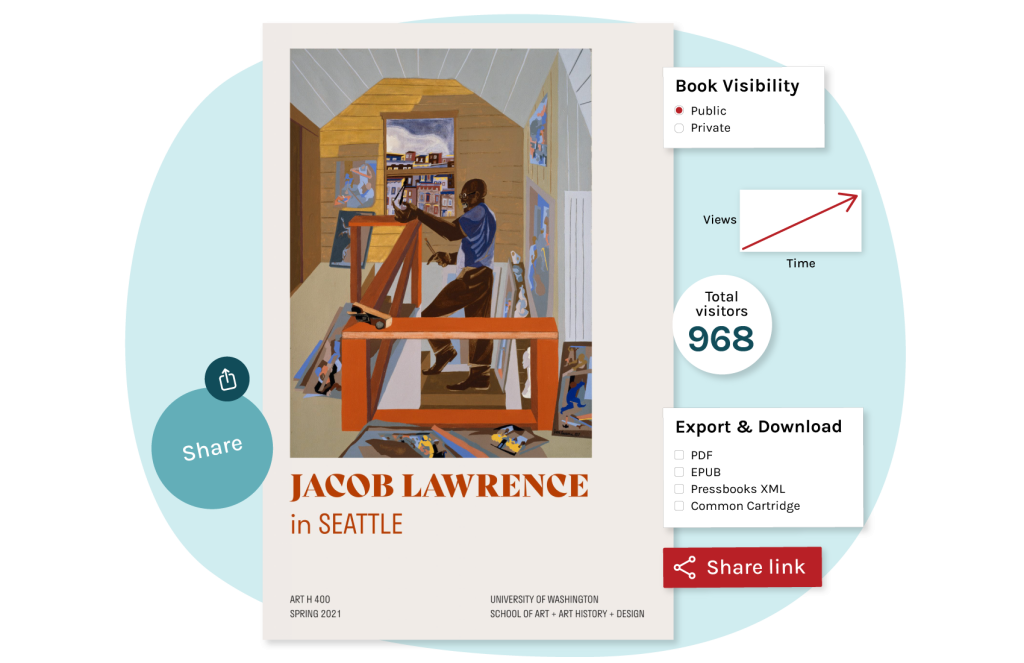
Create Your Digital Book, Your Way
Create & Share Ideas
Pressbooks is built using WordPress, an intuitive environment for authors to easily publish, collaborate on, and share digital books and learning materials. It’s also easy to copy and adapt openly-licensed content from existing Pressbooks.
Ensure Accessibility for All
Pressbooks is a platform that makes it simple to publish excellent accessible books that are inclusive to all. Select your licensing and sharing preferences, including multiple accessible downloadable formats.
Publish Beautiful Books
Organize and present your work in an intuitive, easy-to-navigate digital book structure.
Choose from 20+ premium themes to customize the look and feel of your book.
Engage Readers with Interactivity
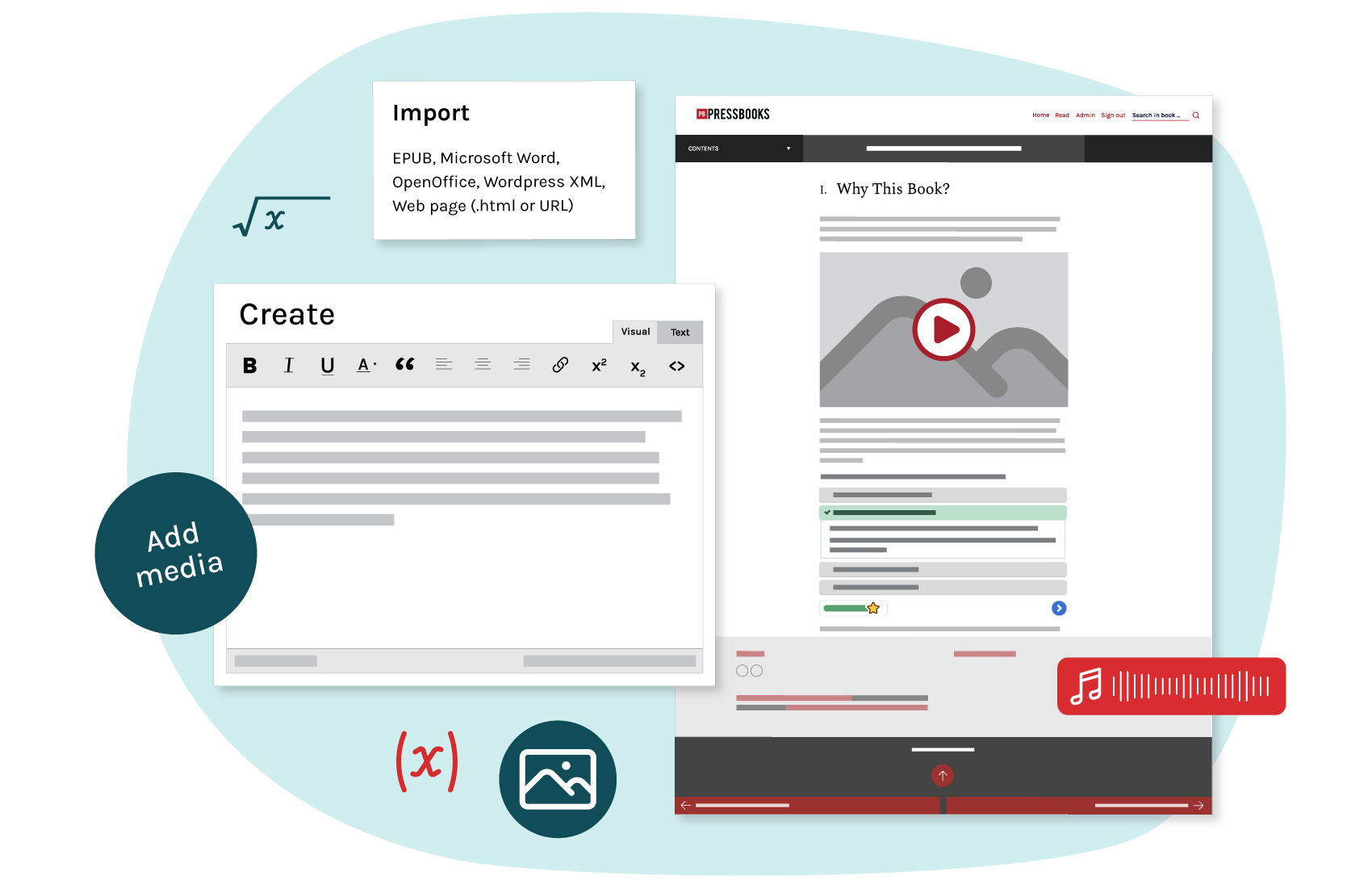
Get creative exploring what’s possible with digital storytelling to engage your readers. Easily add videos, multimedia, quizzes, and other interactive activities. When you think up something new, it’s simple to make updates.
See Plans and Pricing
What Do People Create with Pressbooks?
Authors use Pressbooks’ versatile publishing platform to create a variety of digital books and resources.
Books & Monographs
Books in various genres, often scholarly and designed as learning materials
Interactive Books
Fiction and non-fiction works that include multimedia and interactivity
Open Ed Resources
Adaptable, remixable, sharable learning materials
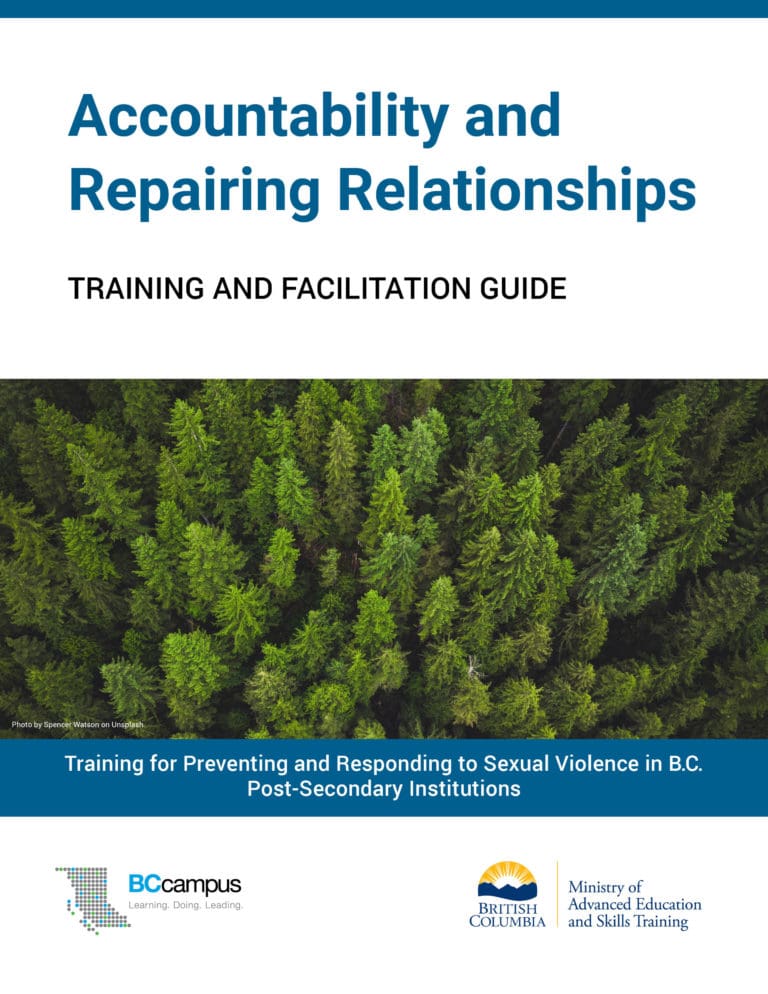
Training Materials
Professional development content and curriculum
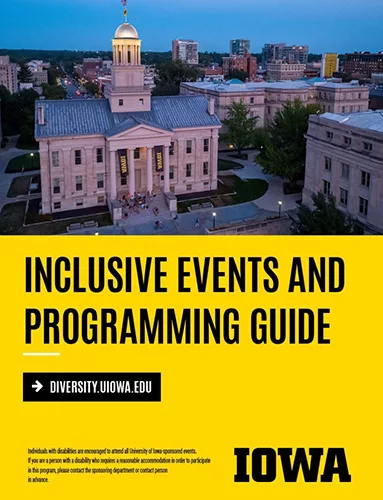
Handbooks & Guides
Reference materials that outline policy, process, and information
What Users Love Most about Pressbooks
User friendly toolset
Beautiful themes
Easy-to-adapt OER
Interactivity
Download formats
Analytics
Accessibility
Discoverability
User friendly toolset
What they love
WordPress-based platform is intuitive, with a quick learning curve and helpful user guide
Why they love it
Creators quickly become self-sufficient using the platform and updating their books when they want to.
Multiple, beautiful themes
What they love
Select from 20+ professionally-designed themes
Why they love it
Creators can easily customize their book’s look and feel, producing beautiful and simple-to-navigate digital books.
Easy-to-adapt OER
What they love
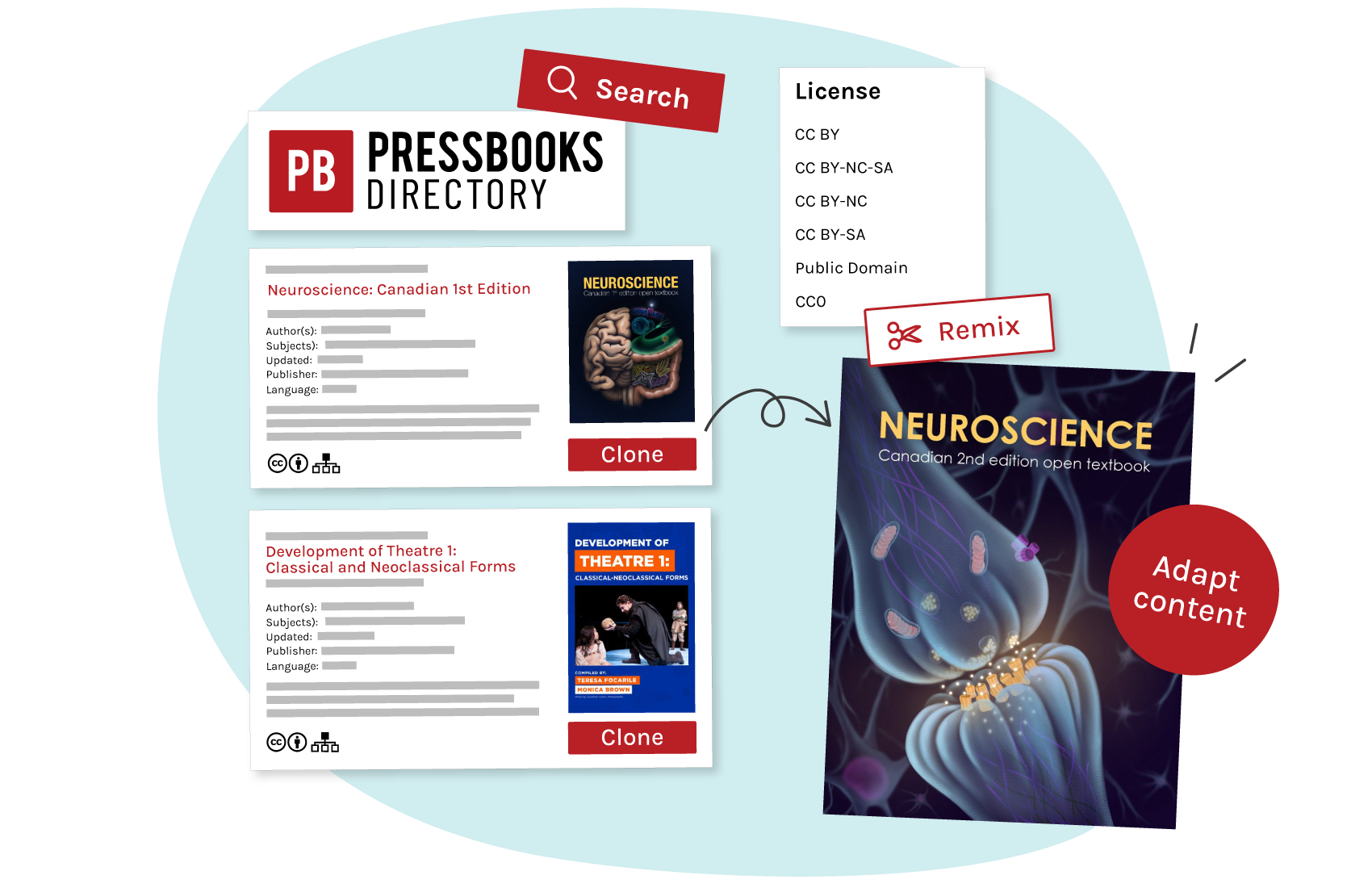
Pressbooks “cloning” feature makes it simple to copy, adapt and remix existing OER
Why they love it
Cloning and adapting existing open materials can be easier than starting from a blank page
Interactivity with multimedia & H5P
What they love
Turn static books into active, engaging learning experiences
Why they love it
Creators can enrich the reader’s experience with digital materials by making them much more than just words on a page.

Multiple download formats
What they love
Choose flexible download file formats including PDF, EPUB, XML, Common Cartridge, and more
Why they love it
Users can access Pressbooks creations online or offline, and creators avoid vendor lock-in when they switch to other platforms.
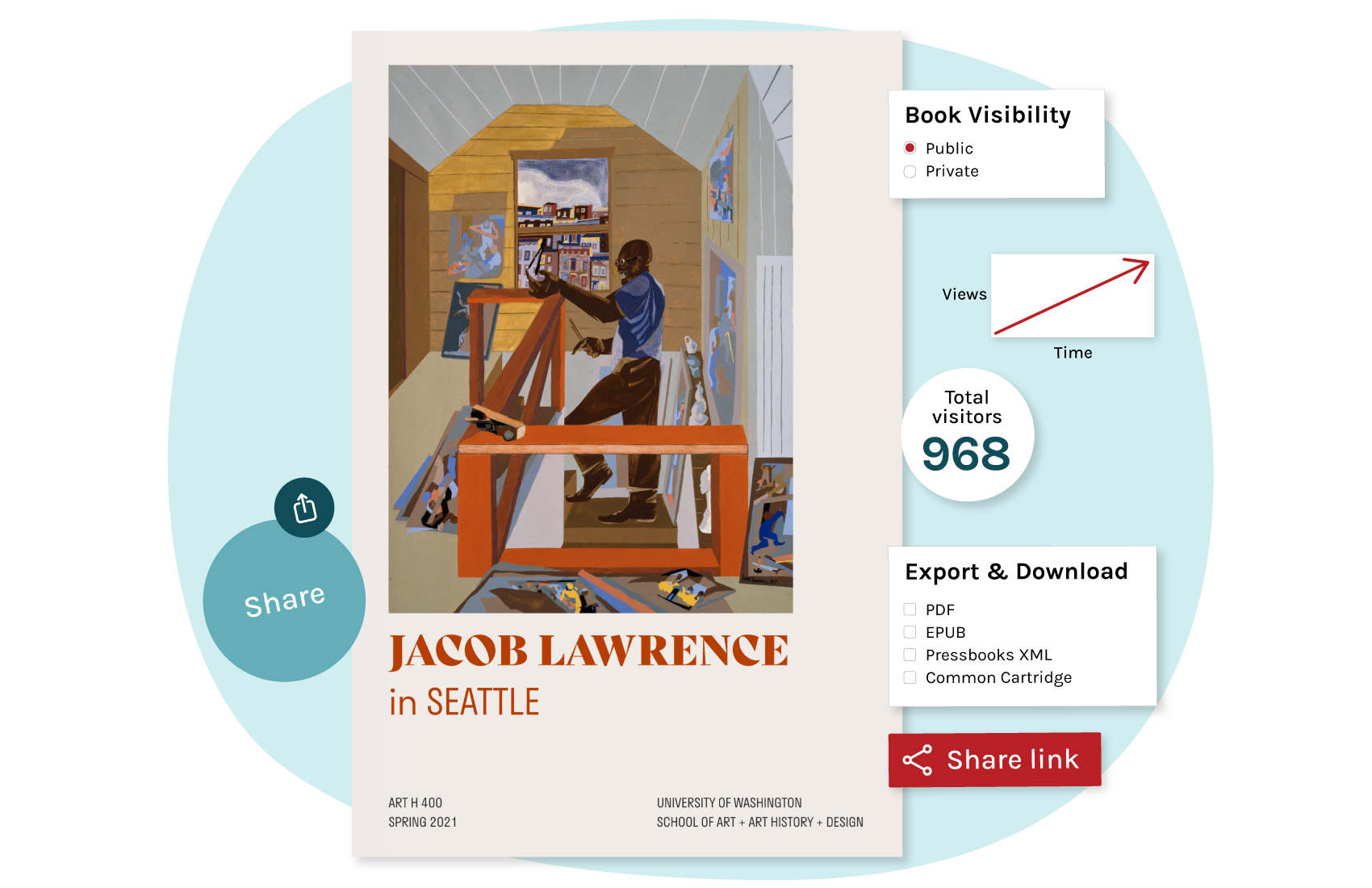
Usage and book analytics
What they love
Monitor traffic and usage of your book
Why they love it
Data helps quantify the impact and reach of publishing projects

Baked-in accessibility
What they love
Multiple design features help ensure creations are accessible for all, including generating accessible PDFs
Why they love it
Pressbooks is an accessible platform that makes it simple to produce accessible learning materials
Learn more about accessibility at Pressbooks
Discoverability & extended reach
What they love
Published works are easily shareable through the Pressbooks Directory, EBSCO, and Ex Libris
Why they love it
Creators can extend their reach and make their work broadly available to interested communities
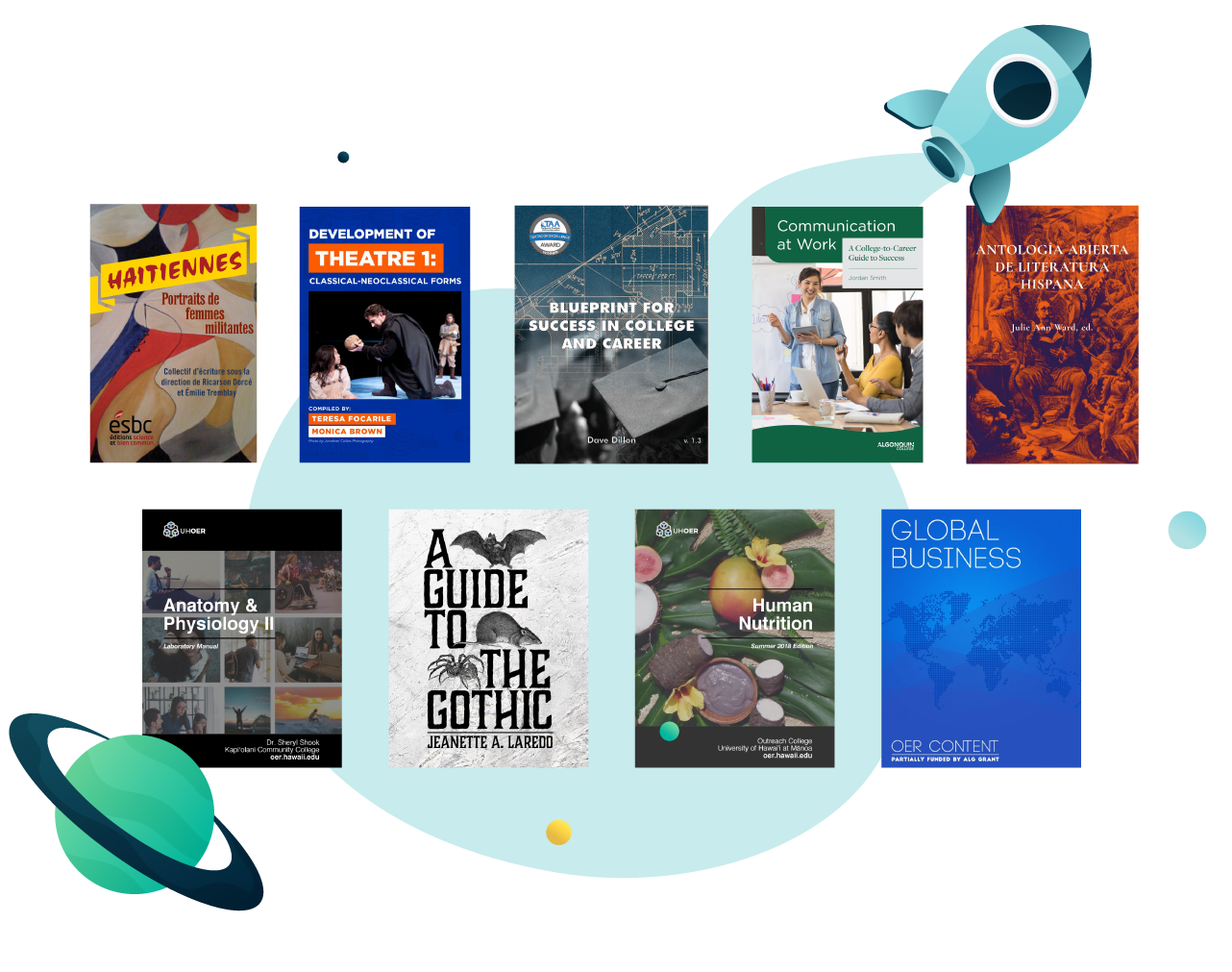
Explore the Pressbooks Directory
What People Love Most about Pressbooks
What they love
Why they love it
User friendly toolset
WordPress-based platform is intuitive, with a quick learning curve and helpful user guide
Creators quickly become self-sufficient using the platform and updating their books when they want to.
Multiple themes
Select from 20+ professionally-designed themes
Creators can easily customize their book’s look and feel, producing beautiful and simple-to-navigate digital books.
Multiple download formats
Choose flexible download file formats including PDF, EPUB, XML, Common Cartridge, and more
Cloning and adapting existing open materials can be easier than starting from a blank page.
Easy-to-adapt OER
Pressbooks “cloning” feature makes it simple to copy, adapt and remix existing OER
Students and faculty benefit from a seamless, cohesive learning experience inside the LMS.
Interactivity with multimedia & H5P
Turn static books into active, engaging reading and learning experiences
Creators can enrich the reader’s experience with digital materials by making them much more than just words on a page
Usage and book analytics
Monitor traffic and usage of your book
Data helps quantify the impact and reach of publishing projects
Baked in accessibility
Multiple design features help ensure creations are accessible for all, including generating accessible PDFs
Pressbooks is an accessible platform that makes it simple to produce digital materials accessible for all.
Discoverability
Published works are easily shareable through the Pressbooks Directory, EBSCO, and Ex Libris
Scholars and creators can extend their reach and make their work broadly available to interested communities.
How to Get Started

It’s quick and easy to try out Pressbooks with a with a free trial! Here’s how:
- Go to our self-publisher site
- Create an account
- Verify your account email address
- Start creating your book (or adapt an existing one)
- When you’re ready to start a subscription, select your plan and add payment info
Visit our User Guide and YouTube channel for self-service how-to instructions.
Frequently Asked Questions
Yes, an advantage of Pressbooks is that it’s quite simple to create and publish digital work, and then keep adjusting and updating it over time. So long as you maintain an active subscriber account, you have access to add, edit, and adjust your content. If your work is openly licensed, then Pressbooks will continue making the book available on its server even if you decide to end the subscription at some point. However, if you wanted to make further updates after that point, you would need to reactivate your subscription in order to restore editor access to the book.
As I create my book in Pressbooks, will I be able to download files for my own backup?
Yes. At any time you can designate the file types you want to download and make available to your readers. Download/export file options include (accessible) PDF, EPUB, XML, XHTML, and Common Cartridge.
Will I be able to import content from Microsoft Word?
Yes. There is a MS Word doc import option to bring existing content into the Pressbooks platform. This user guide page discusses how to do this. It’s generally straightforward to cut and paste or import existing content into WordPress, noting that some sources may require manual adjustment to the formatting as it comes into Pressbooks.
How does multimedia work with Pressbooks? Would I link to YouTube or upload directly?
You can embed images, audio and video files in Pressbooks, as well as other types of multimedia. For video, most Pressbooks authors simply link to YouTube for videos they want to embed in Pressbooks books. However, you can also upload files directly to Pressbooks by adding them to your book’s media library. This page walks through how to display uploaded media in your book. Note there are size limits to how much multimedia content you can upload for use in your book (100MB for the free trial, 250MB for the Self-publisher plan, and 1GB for the Collaboration plan).
Should I have an ISBN for my book?
ISBNs (International Standard Book Numbers) are unique product identifiers used by bookstores, publishers, libraries, and others in the business of selling books. The rule of thumb is: If you plan to sell it in some format, you will probably find it useful to have an ISBN. If you don’t plan to sell your book, you don’t need an ISBN. Many people publish open access books with Pressbooks, and they typically don’t need ISBNs, unless they plan to sell the book in some formats (such as a hard-copy printed book). For authors who choose to apply for an ISBN, they can enter this number in the book metadata for their Pressbooks-published work.
Is there an option to sell, monetize, or collect donations from readers of my book?
Currently there are no monetization options built into Pressbooks. Some authors choose to export PDF or EPUB formats to sell via a website, bookstore, or online marketplace.